Setup
Add contract
Add a contract for a worker and set its terms.
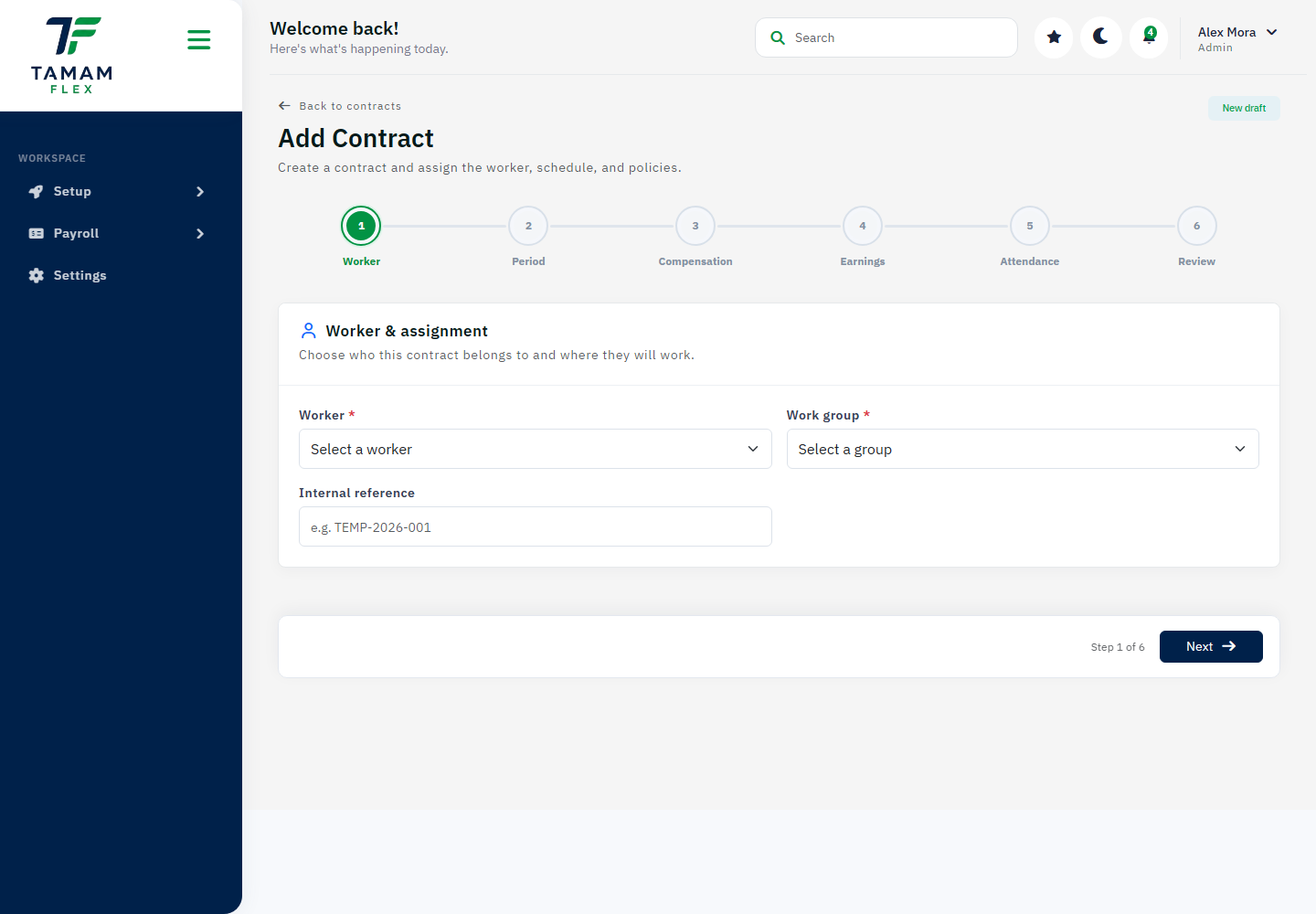
How to use this page
- Confirm the selected company and current context.
- Review the visible information, filters, and available actions.
- Make changes only when your role gives you permission.